Verification
🐸 Introduced in Frogge v0.5
Verification proves a member owns the FFXIV character they claim to, via Lodestone, and grants a
role once confirmed. The /verify flow itself is Discord-only, but admins can also manage verified
members and role relations from the Dashboard. It's deliberately standalone: it doesn't connect to
Profiles or Staffing; this is about access control, not character
content.
Quick Start
- A member runs /verify.
-
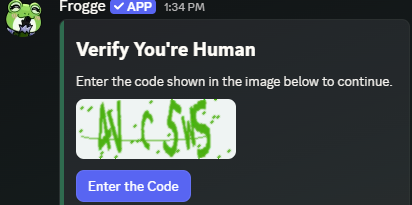
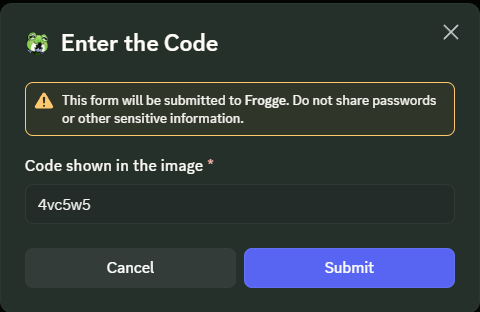
If your venue requires it, they solve a quick image captcha first.
 →
→ 
-
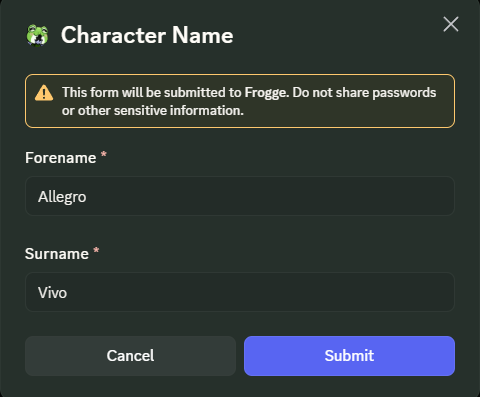
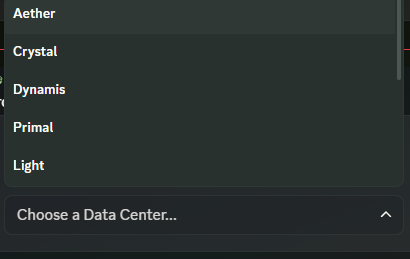
They enter their character's Forename/Surname, then pick Data Center and World.
 →
→ 
-
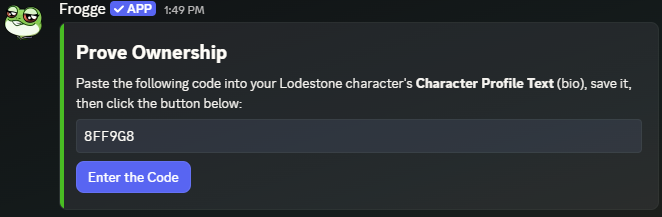
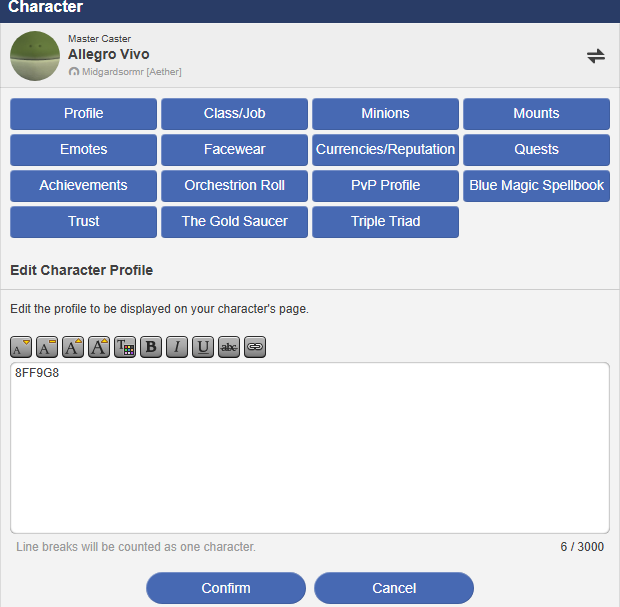
If your venue requires ownership proof, they paste a one-time code into their Lodestone character's bio and confirm.
 →
→ 
-
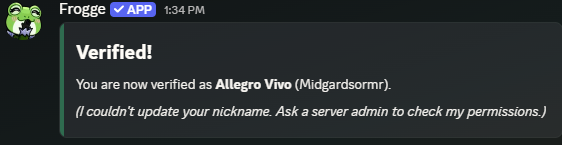
They're granted your Verified Role automatically.
Full reference
The /verify flow
Discord only, member self-service:
- Captcha (if Require Captcha is on): a self-hosted image with a code to retype; a wrong guess just regenerates a fresh code, no lockout.
- Character name & world: Forename/Surname, then a Data Center → World cascading pick.
- Lodestone lookup: searches the Lodestone for that exact name on that world. Not found (or Lodestone briefly unreachable) offers a clear error and a way to start over, never a dead end.
- Ownership proof (if Require Lodestone Proof is on): a one-time code to paste into the character's Lodestone bio; the bot re-fetches and checks for it. A member can retry with a fresh code as many times as needed.
- Finishing up: grants the Verified Role, applies any matching Role Relations (see below), and optionally renames the member to their character name (Change Nickname on Verify). Any Discord permission failure along the way (can't grant the role, can't rename) shows a note but never blocks the verification itself from being recorded.
Character exclusivity: once someone has verified a specific character with proof
(Require Lodestone Proof on), no one else in the same venue can also verify as that same
character while the claim holds. Verifying without proof never locks a character this way. Each
member has one active verification at a time; verifying again with a different character replaces
the old one rather than stacking up records.
Admin: Members
lists everyone who's verified; pick one to see their character name, world, when they verified, and their proof method, with a that also removes the Verified Role.
 →
→ 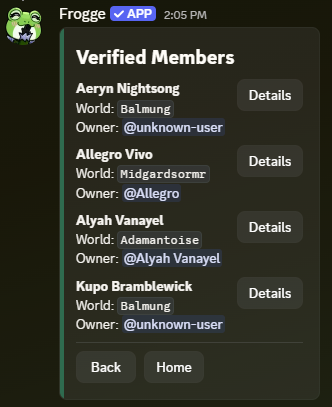
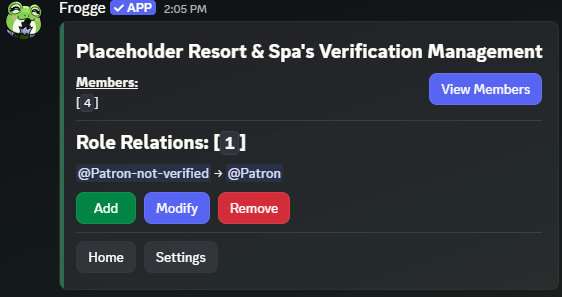
Verification lists every verified member with their character name, world, verified date, and an "unverified" flag on records that skipped proof, with a Revoke action per row that also removes the Verified Role. Same information as Discord, browsable in one list.
Role Relations
Up to 10 pending role → final role pairs, each with an optional welcome message. If a member already holds a relation's pending role at the moment they verify, that role gets swapped for the final role automatically (and the welcome message, if any, is shown to them), useful for an "unverified visitor" role that should flip to a real member role on verification.
Managed from the Verification menu's own Role Relations section: add, edit, or remove pairs and their welcome message the same way as everywhere else.
Verification's Role Relations panel covers the same add/edit/remove, including the welcome message field, right on the same page as Verified Members.
Settings
(from the Verification menu) has:
- Verified Role: granted on successful verification.
- Require Lodestone Proof: whether the bio-code ownership step is required (and the one that gates character exclusivity, see above).
- Require Captcha: whether
/verifystarts with a captcha. - Change Nickname on Verify: whether a member's server nickname is set to their character name automatically.